Built for football coaches & analysts
Show players exactly what to fix while the play is still on screen.
Paste a YouTube link, draw straight on the video, and give feedback your team can act on in the next session. No account needed to start.
- No signup to try
- Works on YouTube links
- Uploads & cloud sync on paid plans
01Show, don’t tell
Say it and they nod. Draw it and they see it.
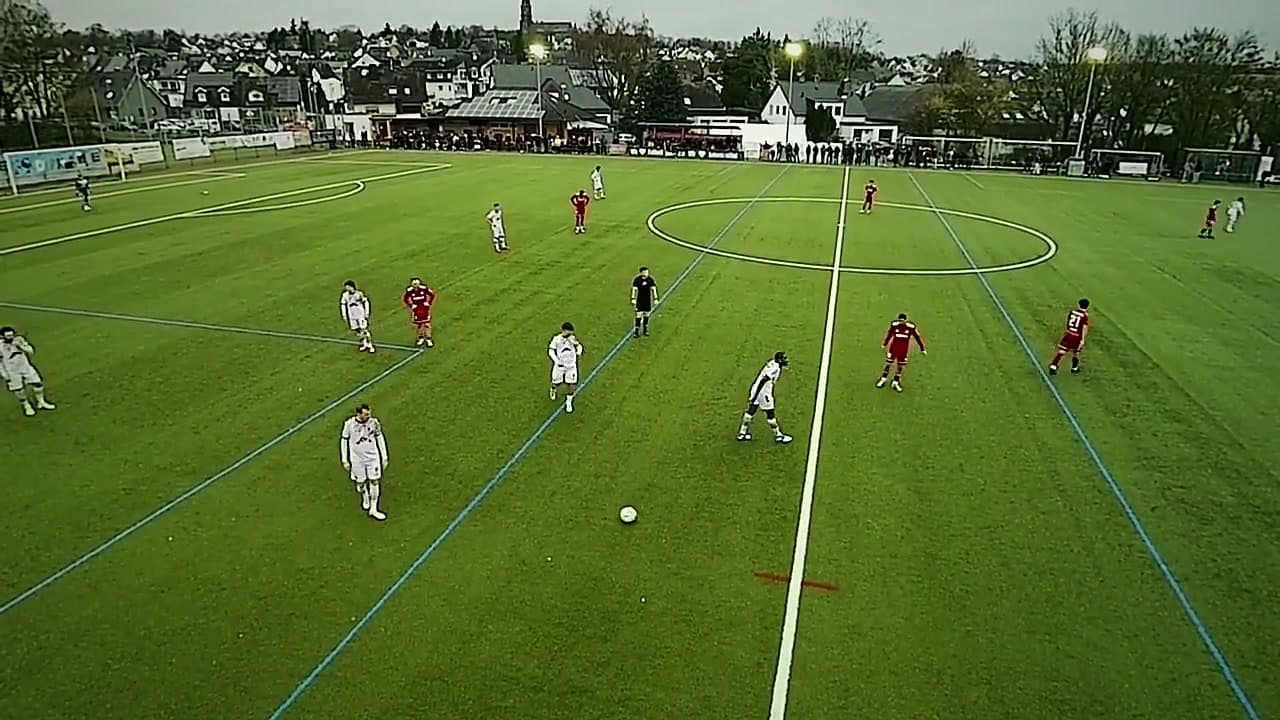
The same moment, twice. On one side, a coach shouting from the touchline. On the other, the same moment: the free player ringed, the space shaded, the pass and the run drawn on the frame. Drag the line.
02How it works
From clip to clear feedback.
Three steps, one focused workspace. You can be drawing on your first clip within a minute.
Pick a clip
Paste a YouTube link and the workspace opens on it. No account, no download, no conversion. On a paid plan, drag in your own match footage instead.
New clip
youtube.com/watch?v=match-highlightsOpen…or drop your own footage: MP4, MOV, WebMCoach +Draw the coaching point
Pause on the moment, then mark it up: an arrow for the run that wasn’t made, a zone for the space that opened, a note for why it mattered.
Annotate · paused at 25:22- MarkerM
- ArrowA
- ZoneZ
- SpotlightO
- PenP
- Notes
Free 6 between their lines
25:22
Space to receive
25:22
Split the press
25:22
8 makes the third-man run
25:22
Keep it, share it
On any paid plan the session is saved to your account and reopens on every device. Send a replay link and your team sees exactly what you drew, when you drew it.
Replay link
Saved · syncedmy-annotator.com/share/…Copied- 0:12ArrowPress trigger: go on the back pass
- 0:48ZoneSpace behind the full-back
- 1:20SpotlightSecond ball: who’s responsible?
03Why coaches switch
You don’t need an analysis department.
You need to show one player one thing, clearly, before the next session.
A full analysis suite
- Multi-day setup and training before the first review
- Licences priced per seat, for the whole staff
- Footage has to be ingested before anyone can look at it
- Most of the feature surface goes unused by most coaches
My Annotator
- Paste a link and draw on the play in under a minute
- Free to try with no account, €5.99/month to keep your work
- Works directly on YouTube links and your own uploads
- Does one job: making a coaching point visible
Rule 01
Your feedback stays on the frame
Annotations are tied to the exact second, so a player rewatching lands on the moment being discussed instead of hunting for it.
Rule 02
Nothing to install to get started
The workspace runs in the browser. The Chrome extension is a shortcut for opening YouTube videos faster, never a requirement.
Rule 03
Private until you share it
Guest work stays in your own browser. Signed-in sessions are private to your account until you deliberately create a replay link.
04Pricing
Priced like a notebook, not a department.
Start free without an account. Upgrade when you want your work saved and shareable.
Free
€0/month
Core tools, no account needed
Coach
€5.99/month
For one coach and their own footage
Team
Most popular€14.99/month
For a coaching staff and their squad
Full time
Your turn.
Pick one clip from the weekend. Draw the moment that decided it. Show it at the next session.